Digital Scrapbooking Ideas: 14+ Beautiful Layouts You Can Make on Your Computer

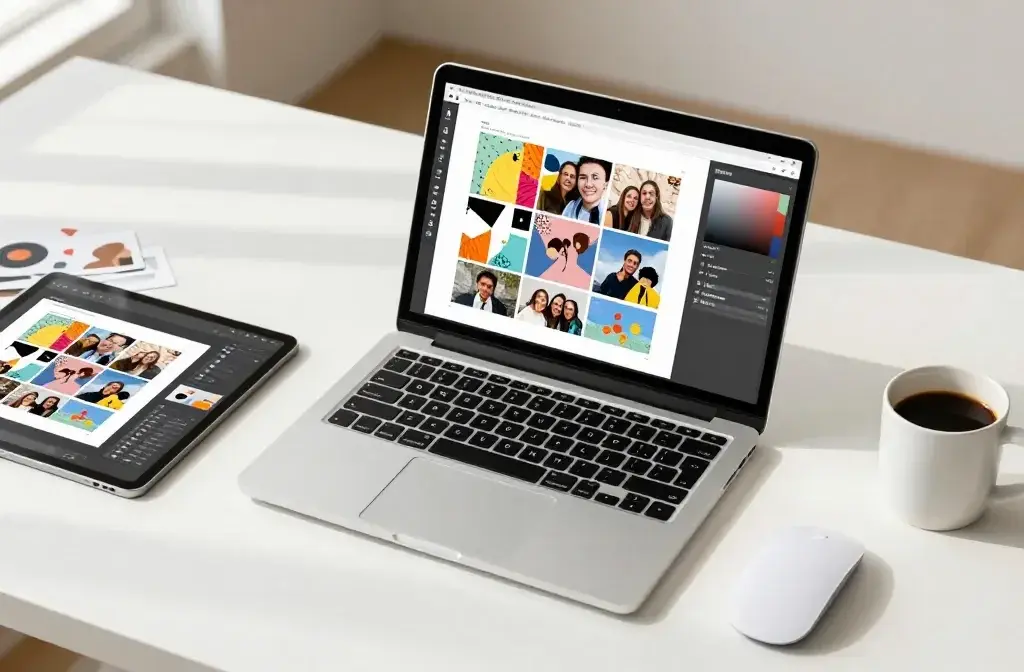
Remember when scrapbooking meant sticky fingers, endless supplies, and craft rooms that looked like paper explosions? Yeah, those days are over.
Digital scrapbooking gives you all the creative fun without the mess, the storage nightmares, or the emergency trips to the craft store. Plus, you can undo mistakes with a simple click instead of starting from scratch.
Ready to turn your favorite memories into stunning digital layouts? Let’s explore some gorgeous ideas that’ll make you wonder why you ever bothered with physical albums.
1. Create Grid Layouts That Pop
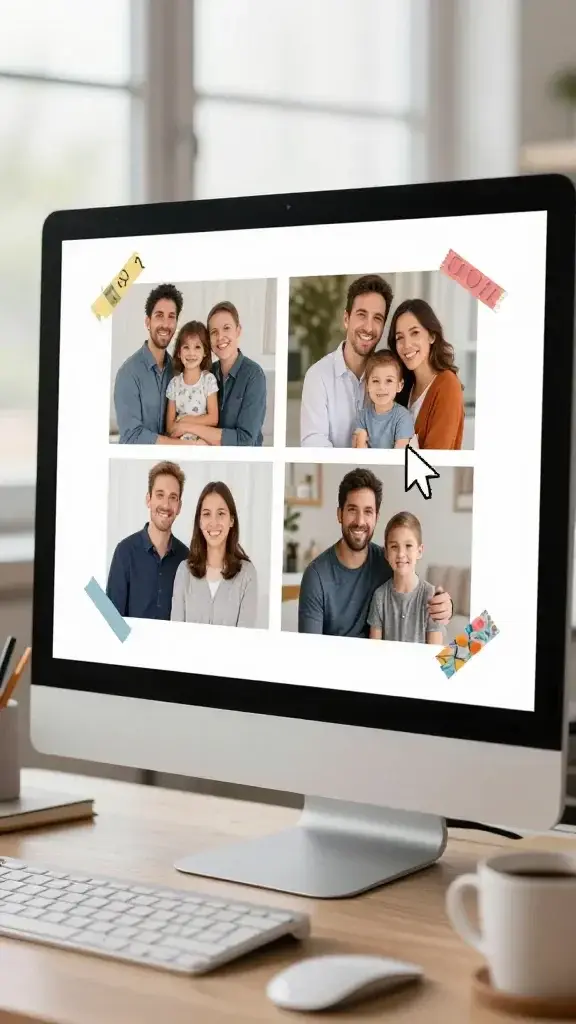
Grid layouts are the secret weapon of professional-looking scrapbook pages. They give you a clean, modern aesthetic that makes your photos shine without overwhelming them with fancy elements.
The beauty of digital grid systems is that you can snap photos into place perfectly every time. No measuring, no cropping mishaps, just satisfying clicks as everything aligns.
Grid Layout Ideas:
- Simple four-square arrangements for telling sequential stories
- Asymmetrical grids with different sized photo boxes for visual interest
- Polaroid-style grids with white borders and handwritten captions
- Collage grids mixing photos with decorative elements
Try using contrasting background colors behind your grid to make the whole composition stand out. Trust me, this technique works especially well for vacation photos or event coverage where you want to showcase multiple moments from the same day.
2. Layer Digital Paper Like a Boss
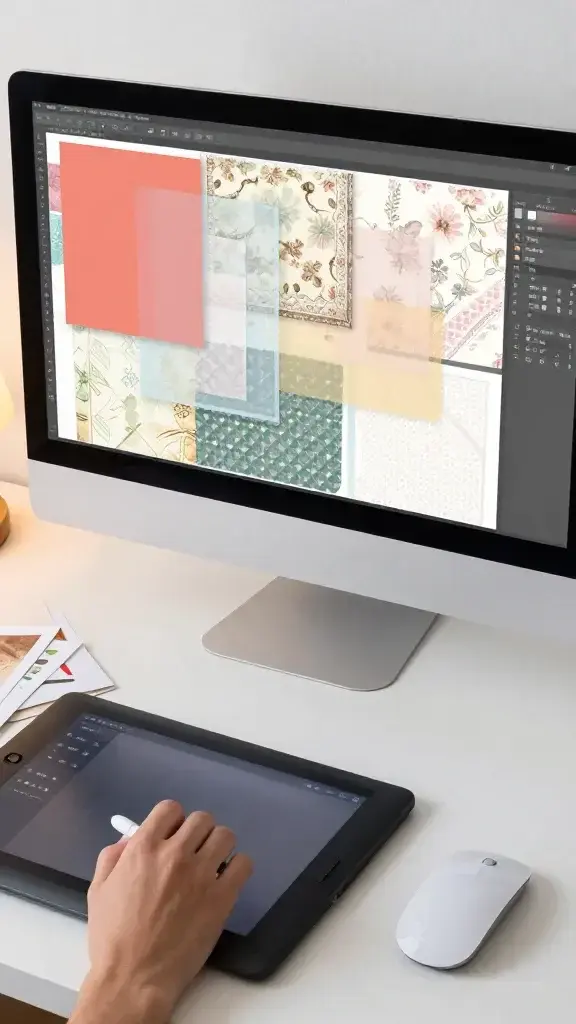
Here’s where digital scrapbooking gets seriously fun. You can layer papers, adjust transparency, and create depth that would be impossible (or at least incredibly difficult) with physical materials.
Start with a solid background, then add patterned papers at varying opacity levels. You’ll create subtle texture that adds sophistication without looking cluttered.
Layering Tips:
- Use blending modes to create unexpected color combinations
- Mix vintage patterns with modern geometric designs
- Add torn edge effects for a handmade feel
- Experiment with shadow effects between layers for dimension
The cool part? You can save your favorite layer combinations as templates and reuse them later. Seriously, this will save you so much time once you build up your collection.
3. Master the Art of Digital Embellishments
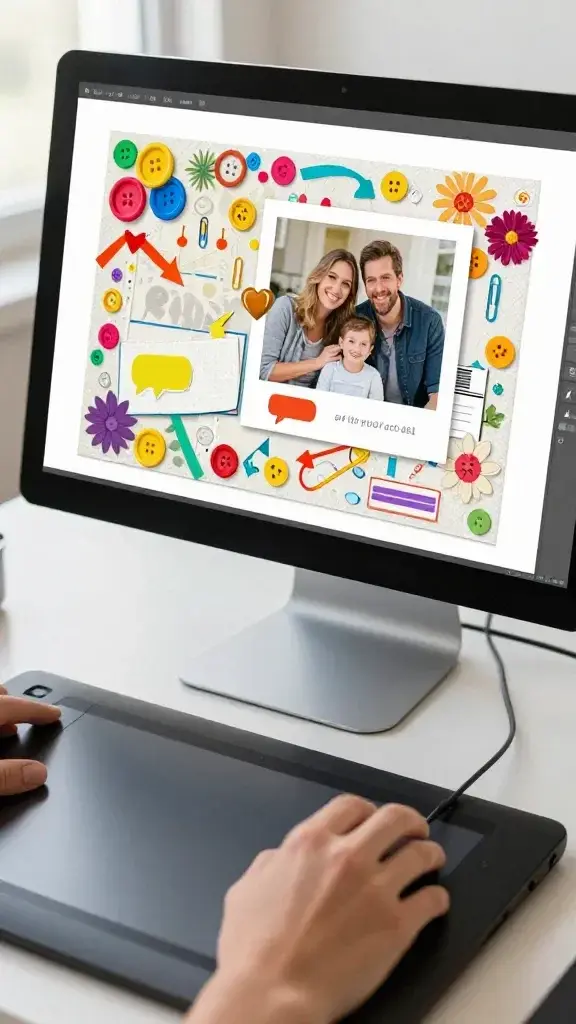
Digital embellishments are like the accessories of scrapbooking. They add personality, draw attention to important elements, and pull your whole design together.
The best part about digital stickers and elements is that you never run out. You can resize them, recolor them, and use the same heart icon on every page if you want (no judgment here).
Think buttons, ribbons, flowers, arrows, speech bubbles, and those adorable little paper clips. You can download thousands of free and paid embellishment packs online, or create your own using photo editing software.
Where to Place Embellishments:
- Corners of photos to anchor them visually
- Along journaling boxes to add interest
- Clustered together for a focal point
- Scattered lightly across backgrounds for subtle texture
Just remember: less is often more. You want to enhance your photos, not compete with them for attention.
4. Experiment with Text and Typography
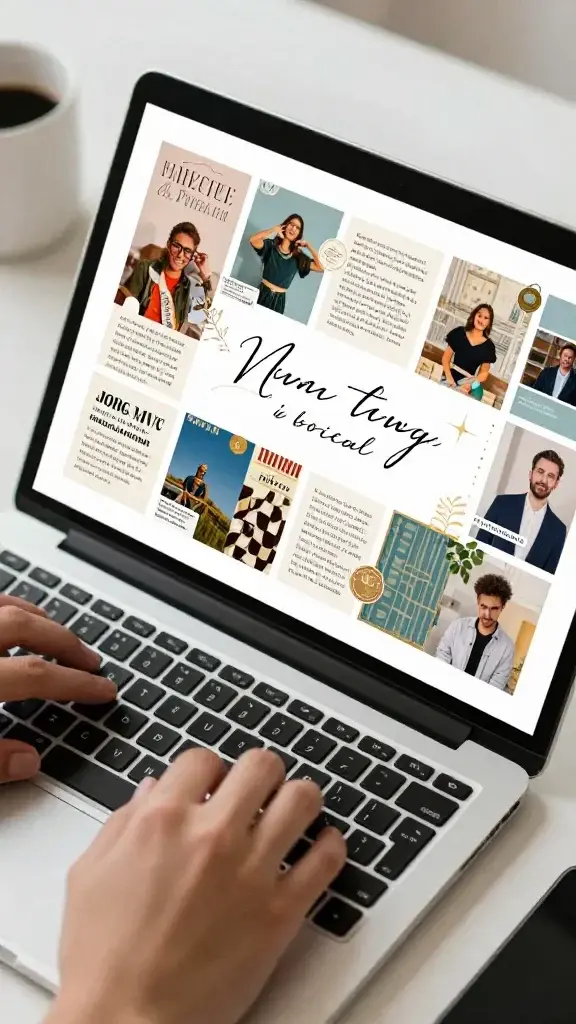
Your words matter just as much as your photos. Creative typography turns simple captions into design elements that enhance your entire layout.
Digital scrapbooking gives you access to literally thousands of fonts. You can mix script fonts with bold sans-serifs, create curved text that follows a path, or add special effects like shadows and outlines that would make traditional scrapbookers weep with envy.
Typography Techniques:
- Use oversized titles as background elements
- Mix three complementary fonts (one script, one serif, one sans-serif)
- Add journaling in handwriting-style fonts for personal touches
- Create word art by arranging text in shapes
FYI, consistency matters here. Pick a font combination you love and stick with it throughout an album for a cohesive, professional look.
5. Build Themed Template Collections
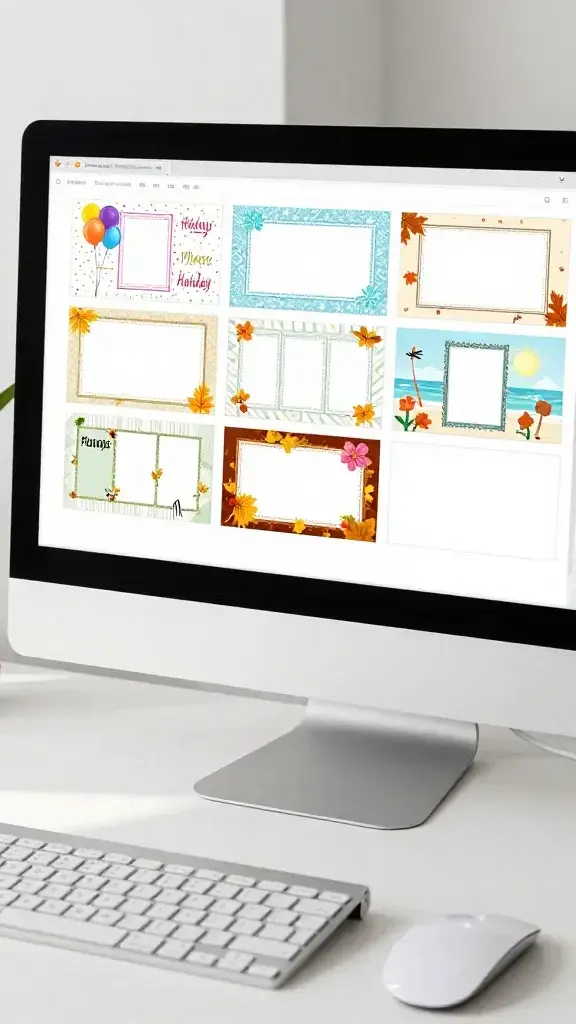
Once you’ve mastered the basics, start creating themed templates you can reuse. This is where digital scrapbooking becomes incredibly efficient without sacrificing creativity.
Design templates for specific occasions like birthdays, holidays, vacations, or everyday moments. Save them with placeholder images, and when you need a new page, just swap in your photos and adjust the colors.
You can create seasonal templates with autumn leaves, winter snowflakes, spring florals, or summer sunshine elements. Or go with life event themes like baby milestones, school years, or pet adventures.
Template Essentials:
- Consistent photo frame styles within each theme
- Coordinating color palettes that work well together
- Flexible layouts that accommodate different numbers of photos
- Space designated for titles and journaling
The real magic happens when you build a library of templates that reflect your personal style. You’ll be able to create gorgeous pages in minutes instead of hours, and everything will have that cohesive look that makes albums feel professionally designed.
Digital scrapbooking opens up a world of creative possibilities without the mess, expense, or storage headaches of traditional scrapbooking. Start with these ideas, experiment with what speaks to you, and before you know it, you’ll have stunning digital albums that preserve your memories beautifully. Now go turn those photos sitting on your phone into something amazing!